
LEGO Grand Piano 21323: what the moving keys do, and where the music comes in
A retrospective that separates the model’s mechanical details from its app-assisted songs, with practical checks for returning builders.
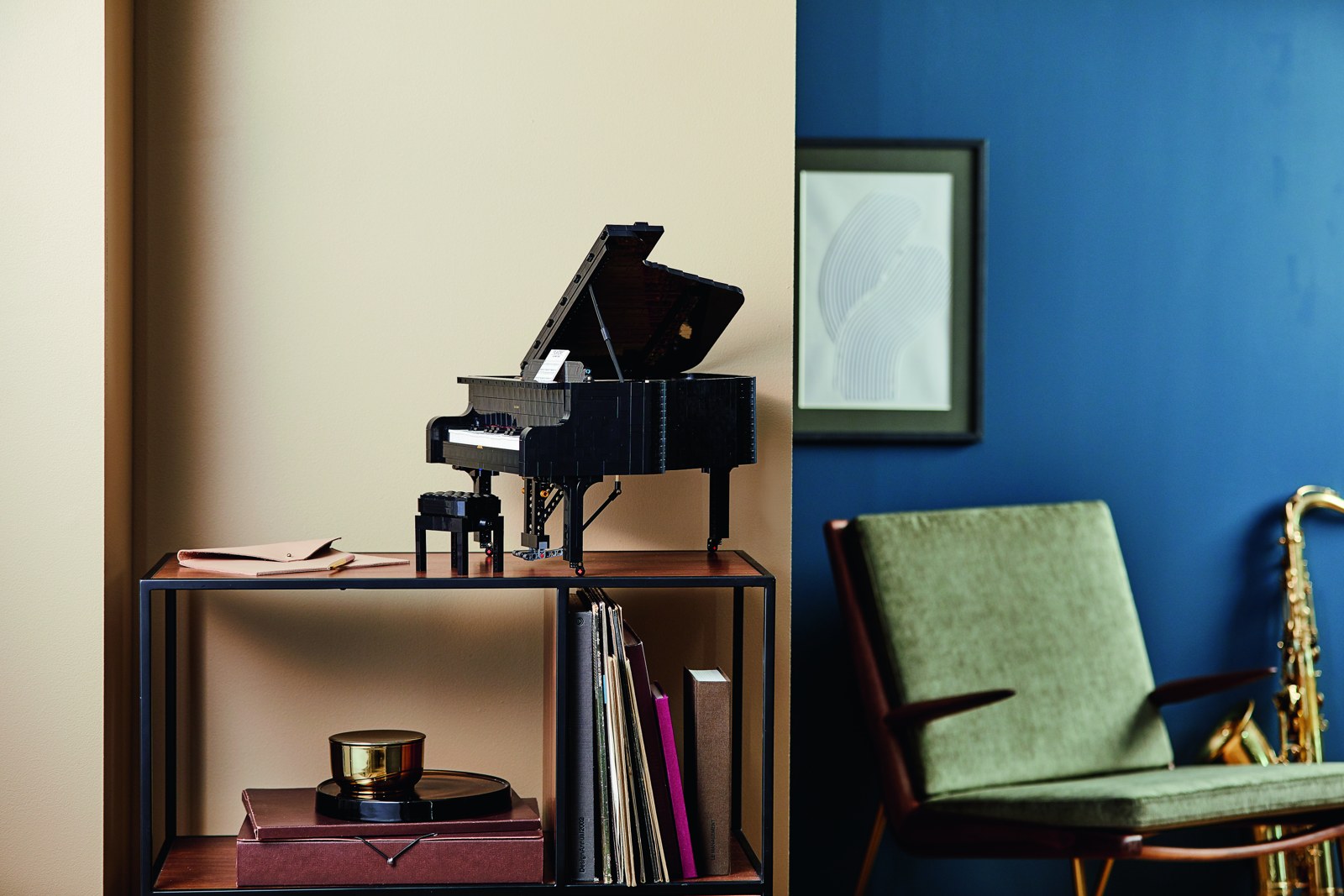
A musical model with two connected experiences
LEGO Ideas Grand Piano 21323 pairs a model of an instrument with an app-assisted musical experience. Understanding that distinction makes its moving keys easier to appreciate and helps avoid expecting a conventional keyboard hidden inside the bricks.
The 3,662-piece set was announced in July 2020 and released that August, following an idea from music teacher Donny Chen. LEGO’s launch account describes a printed music sheet featuring his composition. This is a retrospective based on the official release, product details and support guidance, not a report from our own build or musical performance.
The mechanics are worth watching
The product description identifies a removable 25-key keyboard, hammer action, moving dampers and pedal, a motor, an opening lid and a height-adjustable bench. It also specifies six AAA batteries, which are not included, for the powered function.
Those features give a builder several scales of detail to examine: the overall instrument, the furniture around it and the mechanism beneath the lid. Our view is that the model is most interesting when those layers can be seen together. A moving part becomes more meaningful when a viewer can follow what it connects to, rather than noticing only that something moves.
Play mode means advancing a selected song
LEGO’s support page explains that the model connects to the Powered Up app on a compatible device. In Play mode, pressing keys starts a selected song and further presses keep it going. Listen mode runs the piano automatically. The documented interaction is therefore song playback controlled by key presses; it should not be described as freely performing any melody note by note on an ordinary piano keyboard.
This distinction is useful when watching a demonstration or considering a used example. Ask to see the app connection and the two modes, alongside the visible mechanism, so you understand which part of the experience is being demonstrated.
Returning to a piano that has been on the shelf
Before a new demonstration, check the current app requirements through LEGO’s support page and confirm that your device can connect. The same guidance suggests fresh batteries if the keys begin moving unusually slowly. Follow the official instructions rather than forcing a mechanism that is not behaving as expected.
For a display-only arrangement, allow room to open the lid and place the bench where it remains visible. A photograph with the lid open can help show a visitor what is concealed inside. The pleasure of this design lies in understanding the model on its own terms: a detailed mechanical interpretation with a separate digital musical component.
Reporting checked September 30, 2026. Plans and programs can change; follow the linked organizations for current information.