
Good custom LEGO instructions begin before page one
Studio separates building steps from page design. Use that distinction to help another person follow your model.
Two different jobs
BrickLink Studio’s official help describes Instruction Maker as a tool for digital or printable building instructions. It separates the process into Step Editor, where building steps are organized, and Page Design, where print-ready pages are arranged. That distinction is useful even before opening the software: a logical assembly sequence and an attractive document are related, but they are not the same job.
Explain the connections the reader cannot see
As a model’s designer, you already know where hidden supports belong. A reader does not. Look for steps that add pieces behind a wall, underneath a plate or inside a section that will soon close. Those are places where a clearer angle or an earlier step may be needed.
Break the model into manageable assemblies and think about how each can rest on the table. A sequence that is technically possible may still be awkward if it asks someone to hold several loose pieces in the air. The aim is to make progress feel understandable, not simply to minimize the number of pages.
Keep the visual language steady
Once the order makes sense, review the page presentation. Avoid unnecessary camera rotations, and make necessary changes obvious. Keep enough whitespace around the build so new pieces do not disappear among labels or decorative elements.
Check the instructions at the size in which someone will actually use them. A beautiful large monitor preview may conceal details that become tiny on a tablet or printed page. If a connection matters, the reader should not have to guess at it. A short callout or an extra view can be more helpful than squeezing another step onto the same sheet.
Ask someone to build without coaching
The most useful review is a fresh builder attempting the instructions while you observe quietly. Record where they pause, rotate the model unexpectedly or reach for the wrong piece. Those moments identify places where your knowledge has filled a gap that the document leaves open.
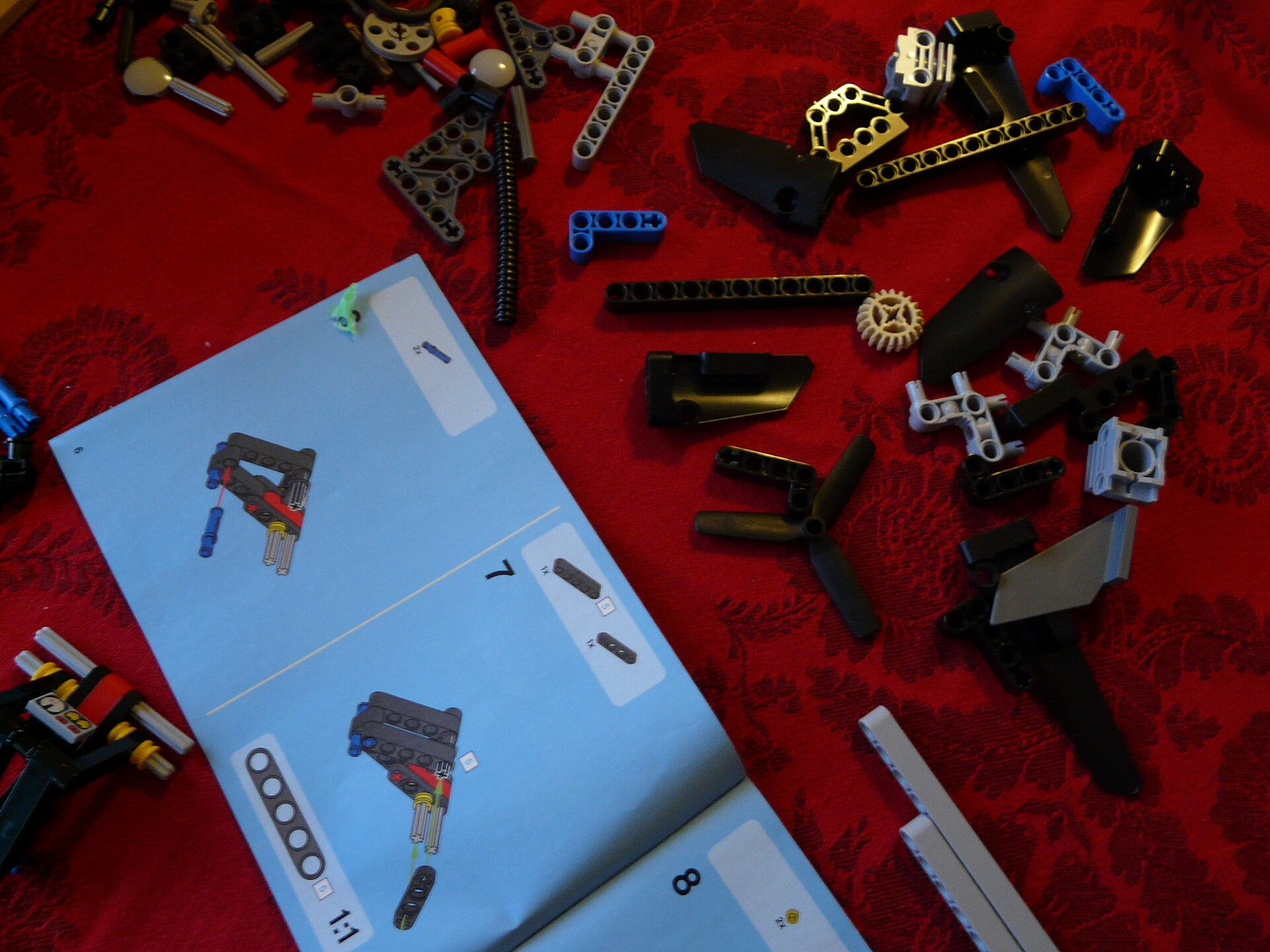
Revise the sequence before polishing cosmetic details. Then repeat the difficult section with the new version. This is our suggested testing method, not a claim that Studio automatically verifies every connection. The photograph above shows real printed LEGO Technic instructions as context; it is not a screenshot or a sample generated by this article. Good instructions succeed when another person can complete the thought you began.
Reporting checked September 24, 2026. Plans and programs can change; follow the linked organizations for current information.